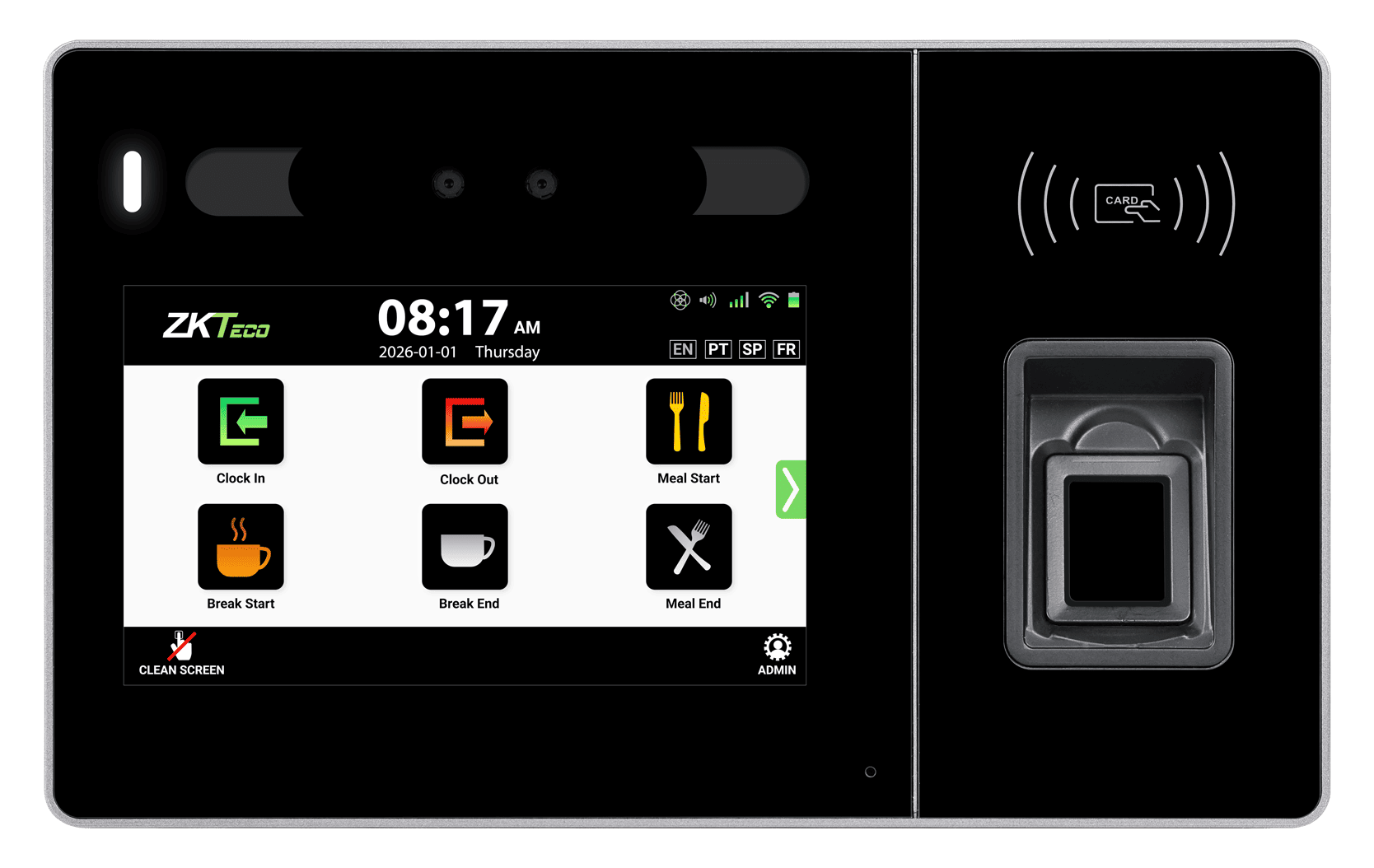
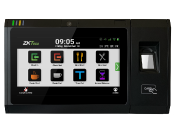
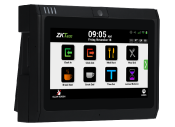
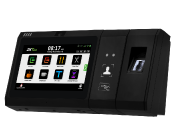
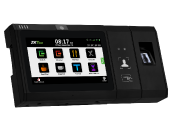
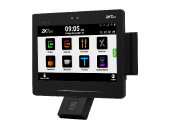
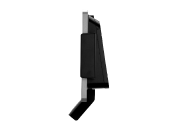
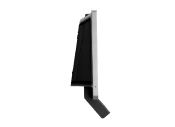
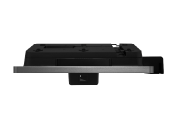
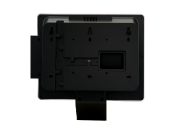
Ultima 10
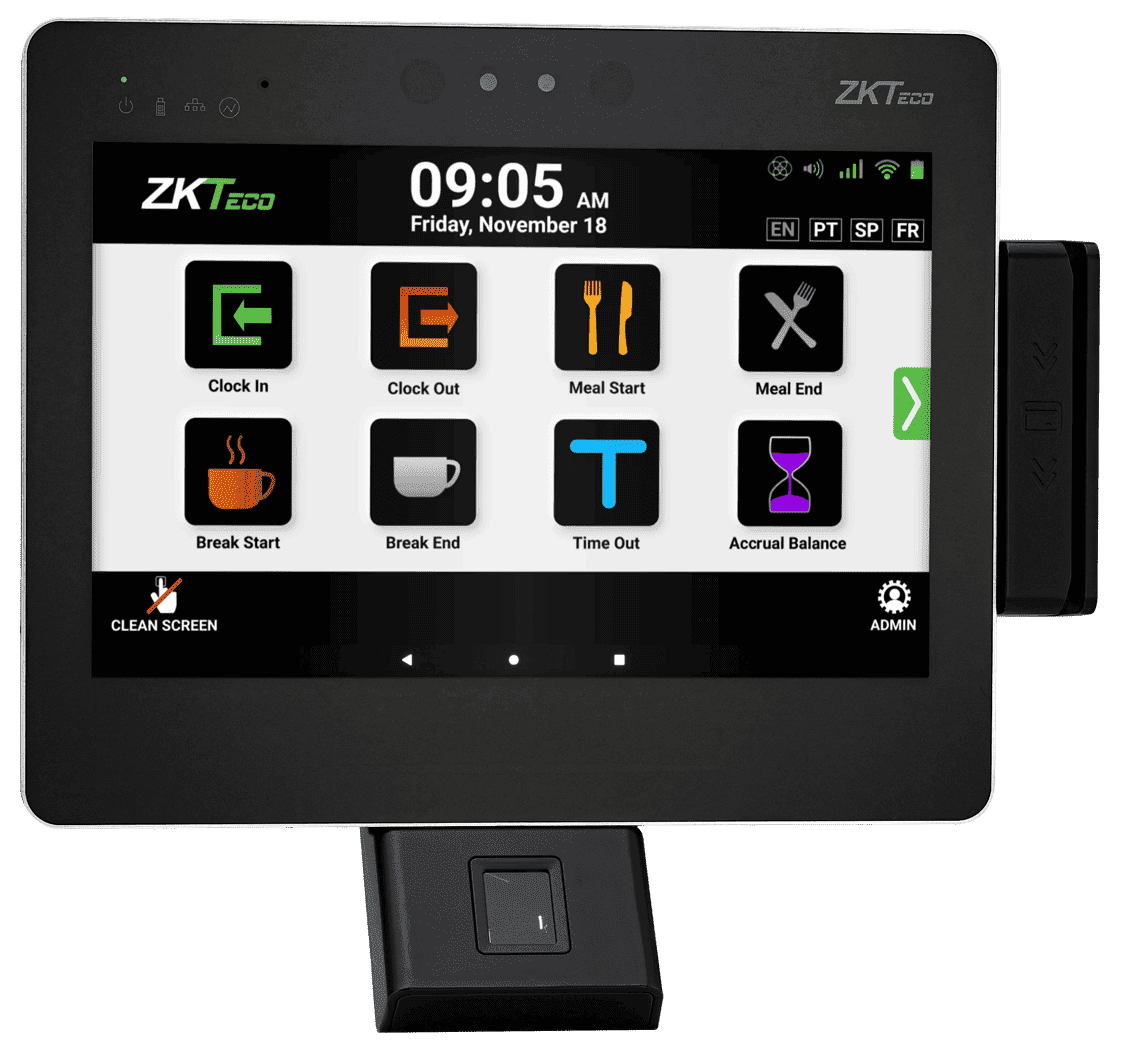
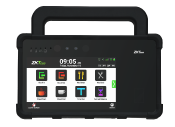
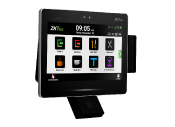
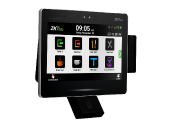
A larger 10-inch interface for schedules, job or labor selections, attestations, messages and richer employee interaction at the clock.
Choose the screen, authentication, connectivity, power and environmental protection that fit each workforce.

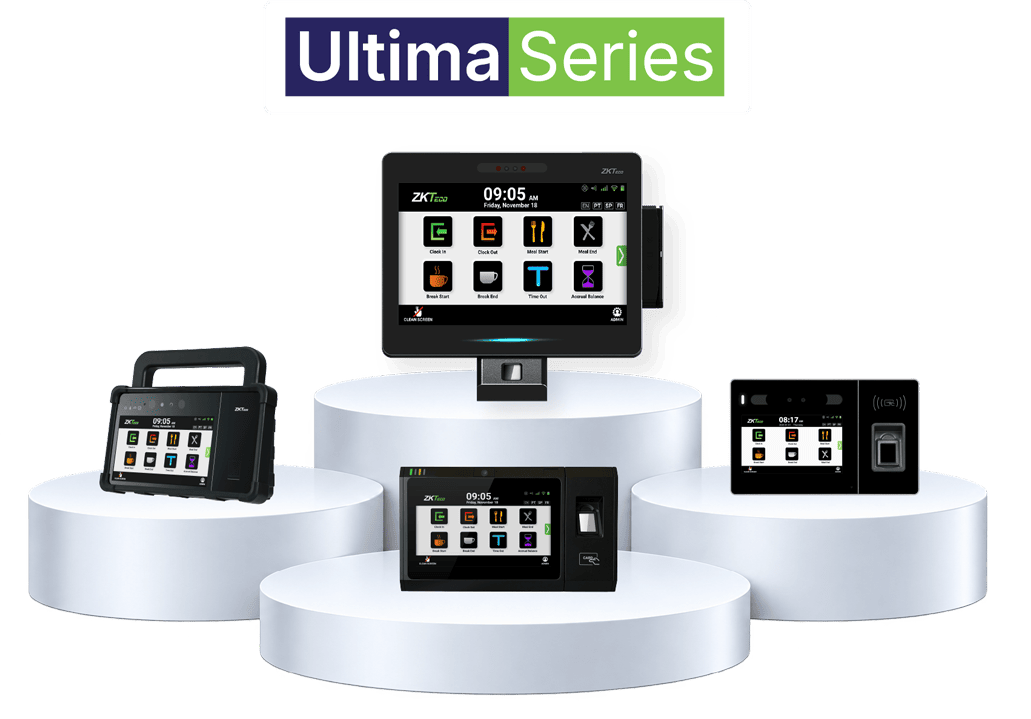
One Ultima platform spans different screens, credentials, biometrics, connectivity and environments—without changing the workforce data strategy.

A larger 10-inch interface for schedules, job or labor selections, attestations, messages and richer employee interaction at the clock.

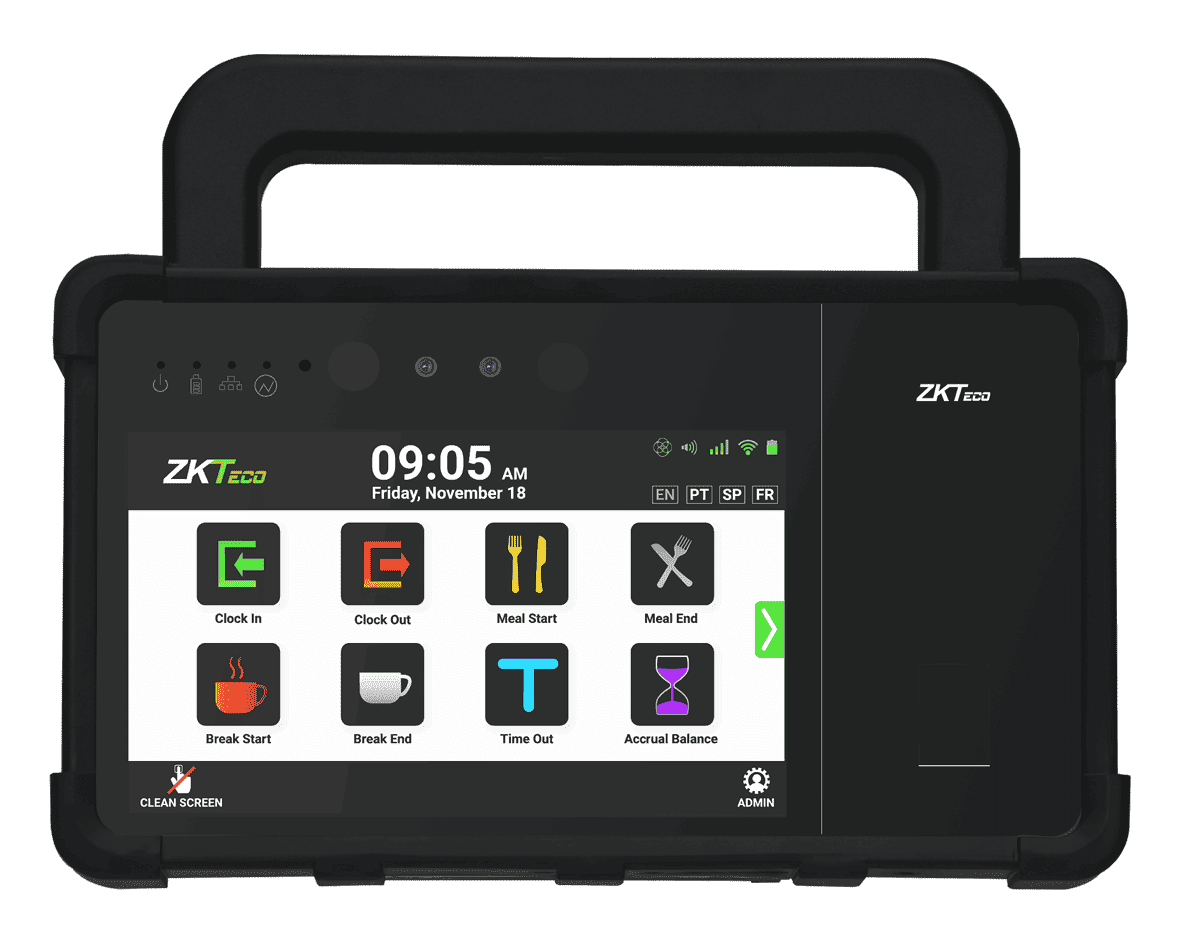
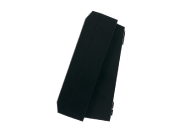
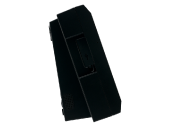
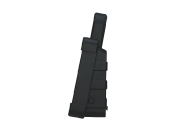
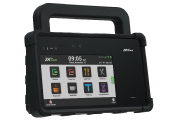
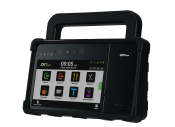
The 7-inch Ultima experience with rugged protection and portable deployment for environments where a traditional indoor clock is not enough.

More screen space and configuration flexibility for schedules, job or labor selection, attestations and broader employee workflows.

Full Ultima capability in a smaller footprint—ideal for straightforward time and labor data collection when a larger screen is not a priority.
Select the authentication, credential, connectivity, and power options that fit each location and deployment requirement. Available options vary by model and configuration.
Choose the identity method that fits your workforce and environment.
Support the credential technologies your organization already uses.
Connect each deployment using the network option appropriate to the site.
Choose the power approach that best fits installation and continuity needs.
Each model supports the same workforce data collection strategy while addressing a different physical environment and employee interaction need.
Ultima 5 fits straightforward clocking and lighter employee workflows in a compact footprint.
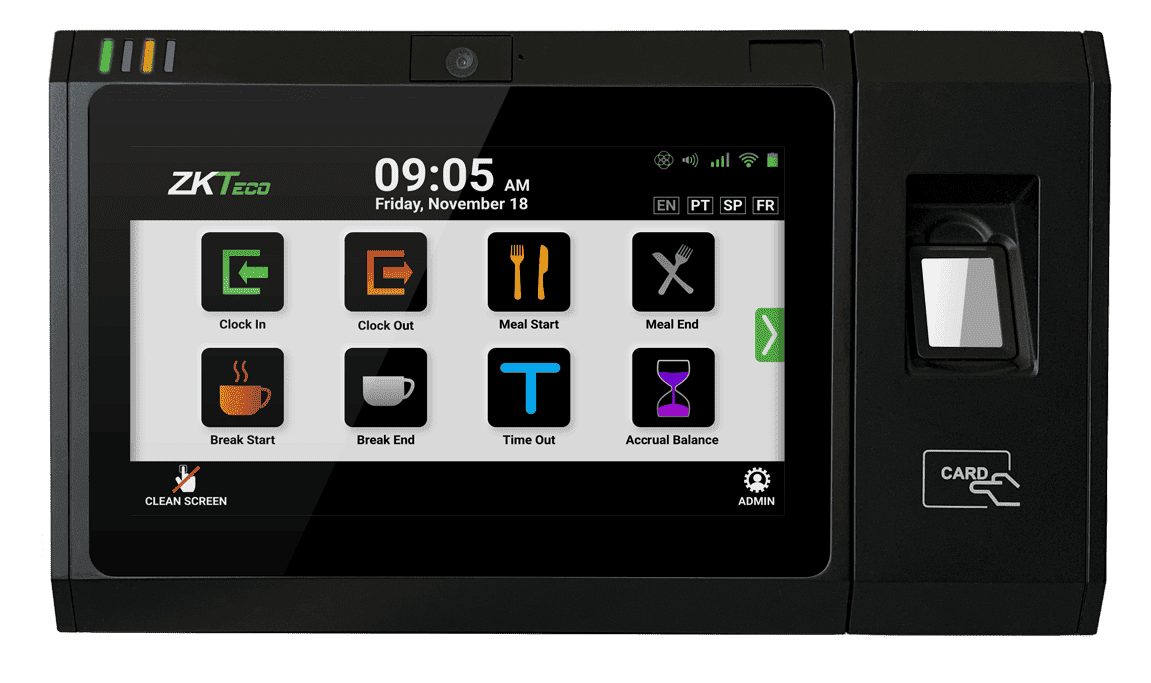
Ultima 7 provides a balanced 7-inch employee interface with broad configuration flexibility. It is a strong all-around choice when the clock needs to support more than a basic punch while remaining practical for wide deployment across many locations.
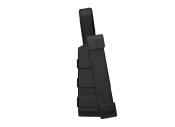
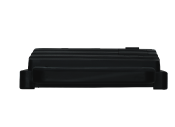
Ultima 7P extends the Ultima platform into demanding workforce environments. Its IP66-rated enclosure and portable deployment capability make it the right choice when dust, water exposure, mobility or non-traditional mounting requirements are part of the deployment.
Ultima 10 gives richer workflows, prompts and self-service more room without changing the platform.
Use this view to quickly narrow the best model for each site. Final configuration depends on selected modules, market and project requirements.
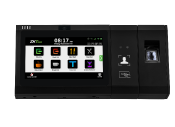
| Feature | Ultima 5 | Ultima 7 | Ultima 7P | Ultima 10 |
|---|---|---|---|---|
| Primary positioning | Compact. Full Capability. | Versatile. Flexible. Proven. | Rugged. Portable. Ready. | More Screen. More Interaction. |
| Display | 5-inch touch | 7-inch touch | 7-inch touch | 10-inch touch |
| Processor | 8-core | 8-core | 8-core | 8-core |
| Operating system | Android | Android | Android | Android |
| Fingerprint | Available | Available | Available | Available |
| Facial recognition | Available | Available | Available | Available |
| Palm recognition | Available | Available | Available | Available |
| Multi-card / NFC | Available | Available | Available | Available |
| QR code | Available | Available | Not Available | Available |
| Barcode / magnetic stripe | — | Available | — | Available |
| Ethernet | 10/100 | 10/100/1000 | 10/100/1000 | 10/100/1000 |
| Dual-band Wi-Fi | Yes | Yes | Yes | Yes |
| 4G LTE | — | — | Yes | Yes |
| PoE+ | Optional | Yes | Yes | Yes |
| Battery backup | — | 2000mAh | 7,600 mAh | 7,600 mAh |
| IP66 rugged rating | — | — | Yes | — |
| Portable deployment | Fixed | Fixed | Portable or fixed | Fixed |
Specifications and available modules may vary by generation, configuration and market. Confirm final project configuration with ZKTeco WFM before ordering.
Give HR, payroll, IT, buyers and implementers one place for specifications, datasheets, guides and product details.
Technical specifications and supported configuration details for each Ultima model.
Open DatasheetsMounting, power, cabling, field-of-view and deployment instructions.
Open Installation GuidesOperational guidance and user documentation for supported terminal configurations.
Open User ManualsApproved product image files for customer teams, sales, marketing and implementation use.
Open Product ImagesWe can help match the device, authentication, connectivity and power configuration to your workforce and environment.